Free Tablet for Disabled Americans: SSI Qualifies You
If you receive SSI, you very likely qualify for a free or low-cost tablet through Lifeline. And every tablet ships with powerful accessibility features built right in.
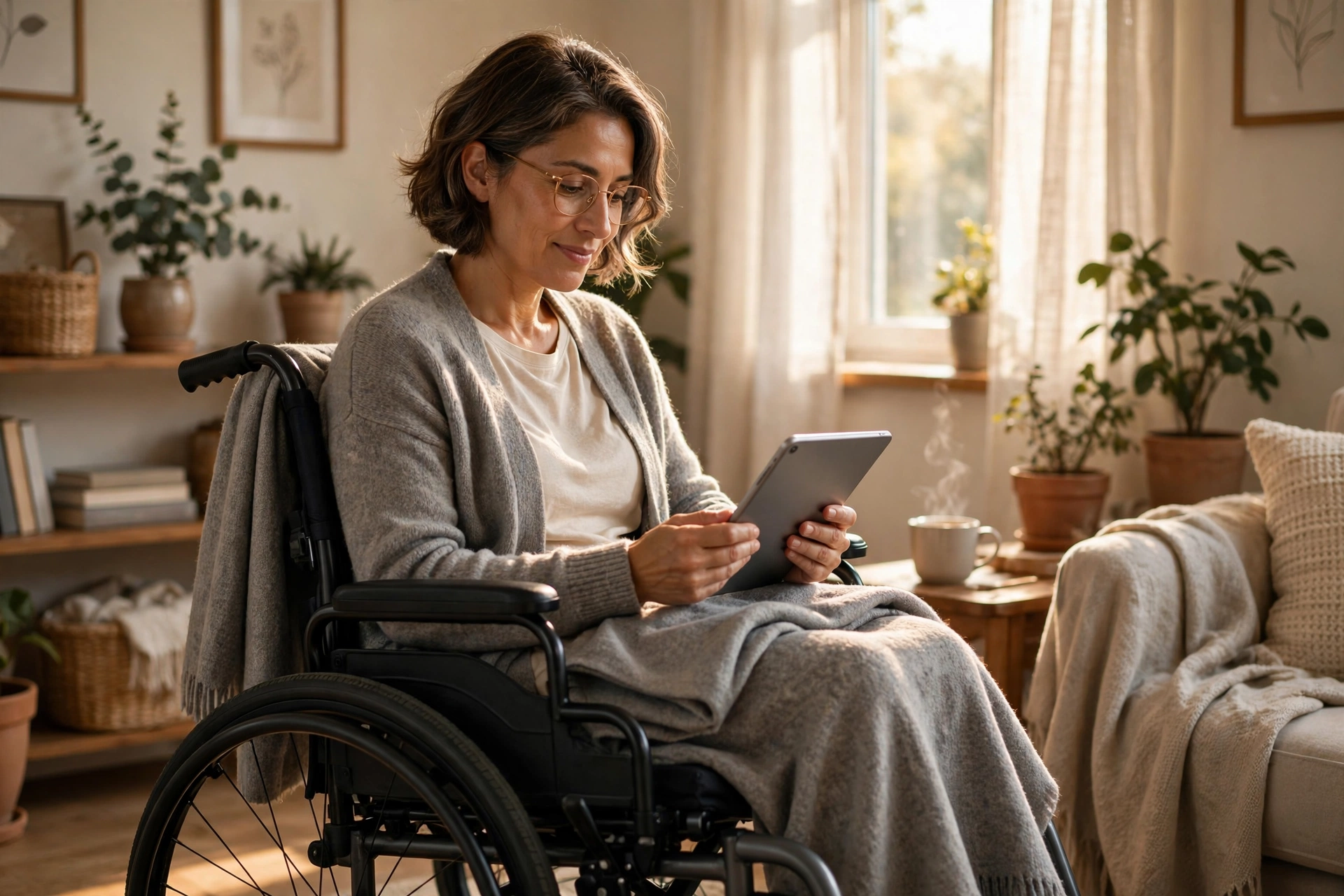
How Disability Qualifies You
Which Way Do You Qualify?
1. Do you receive SSI, Medicaid, or SNAP?
2. Is the benefit in your name?
3. Would a caregiver or family member help you apply?
Accessibility Features on Every Tablet
You don’t need a special “accessible” model. These tools come standard on Android tablets.

Screen reader
TalkBack reads everything aloud, from menus to messages.
Magnification
Triple-tap to zoom any part of the screen instantly.
Voice control
Open apps, dictate messages, and make calls hands-free.
Live captions
Automatic captions for any video or call, no setup needed.
Best Tablets for Accessibility
Galaxy Tab A
The strongest accessibility suite and the biggest screen (8.7″). Best for low vision.
$20+ co-payTCL Tab 8
Sharp display and responsive touch. A great middle ground for most needs.
$0–$20 co-paySky Elite T8
Simplest interface with big icons. Best if you want the least complicated option.
~$10 co-payGet Your Tablet in 4 Steps
Confirm your path
SSI, Medicaid, SNAP, or income. Our eligibility checker takes 60 seconds. Remember: SSDI alone isn’t a qualifier, but it often comes with one.
Apply on the National Verifier
A caregiver or family member can help you or apply as your authorized representative with your consent. Full walkthrough on our how to apply page.
Choose a provider
Compare models on our providers page. For accessibility, the Galaxy Tab A is worth asking about.
Set up accessibility first
When the tablet arrives, open Settings and turn on the features you need: larger text, TalkBack, captions. Five minutes of setup changes everything.
Disability FAQs
Connection Should Be for Everyone.
Check your eligibility in 60 seconds, from exactly where you are.
Check Eligibility →